Resetting your mini split can often clear minor glitches, unresponsive controls, or persistent error codes. Depending on your model, you can perform a power cycle (the most common method) or use a dedicated reset button.
Method 1: The Full Power Cycle (Most Common)
This method forces the internal computer boards to discharge and restart from scratch.
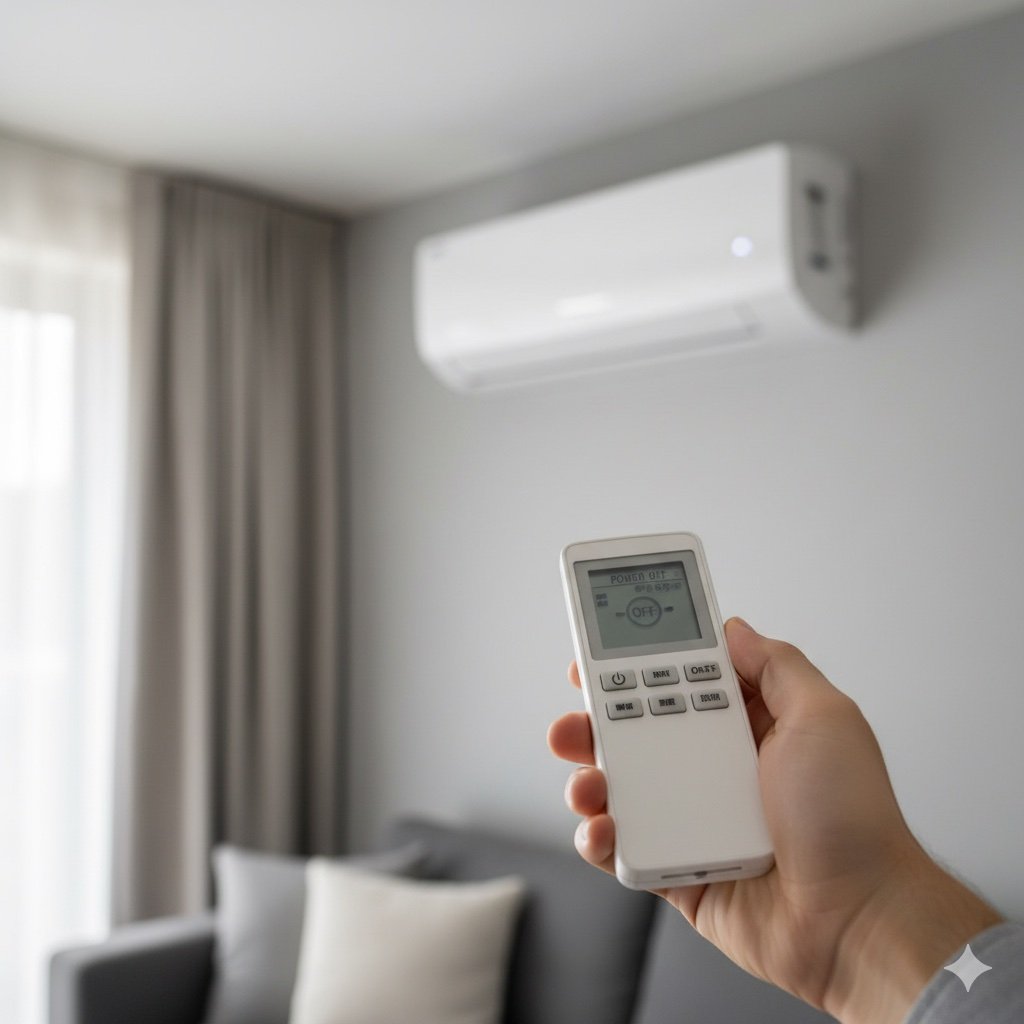
- Turn Off the Unit: Use your remote or wall controller to power the system down completely.
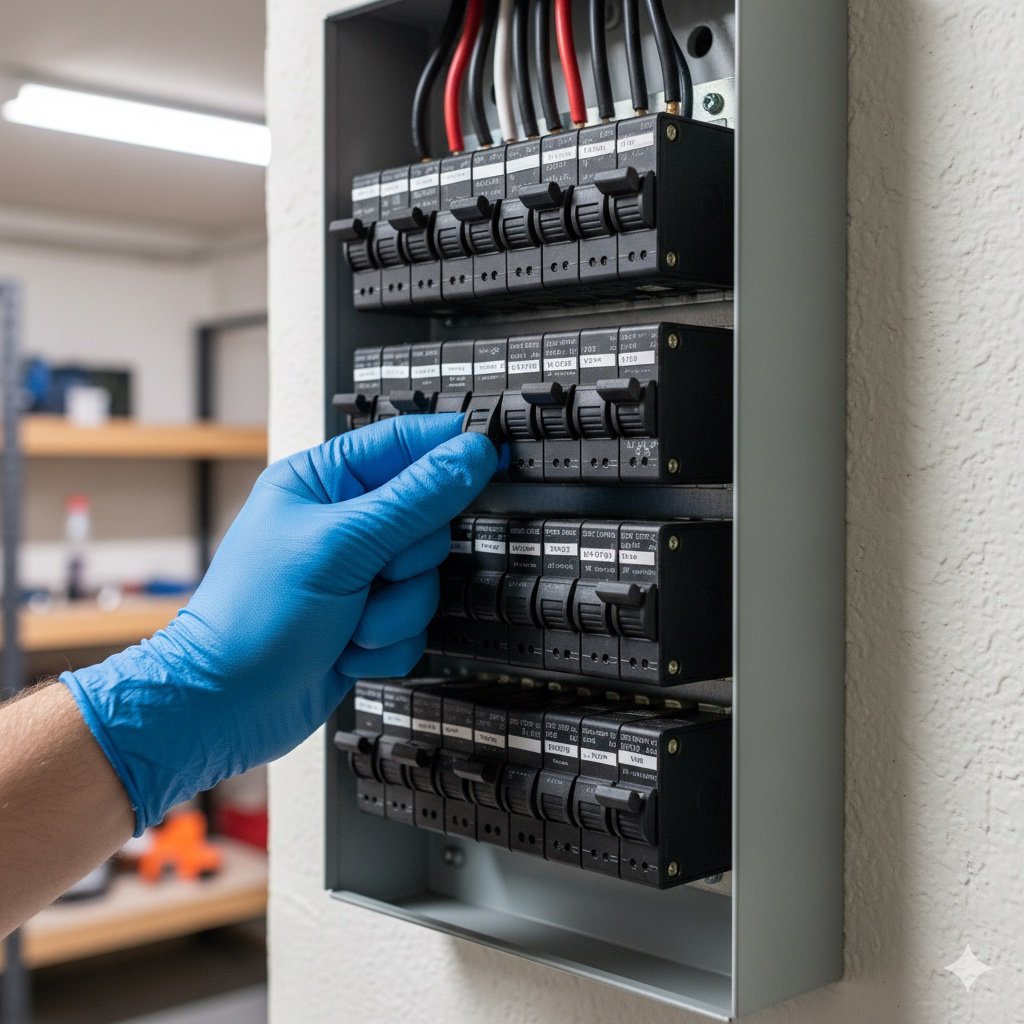
- Cut the Power: Locate the dedicated circuit breaker in your electrical panel or the outdoor disconnect switch and flip it to OFF.
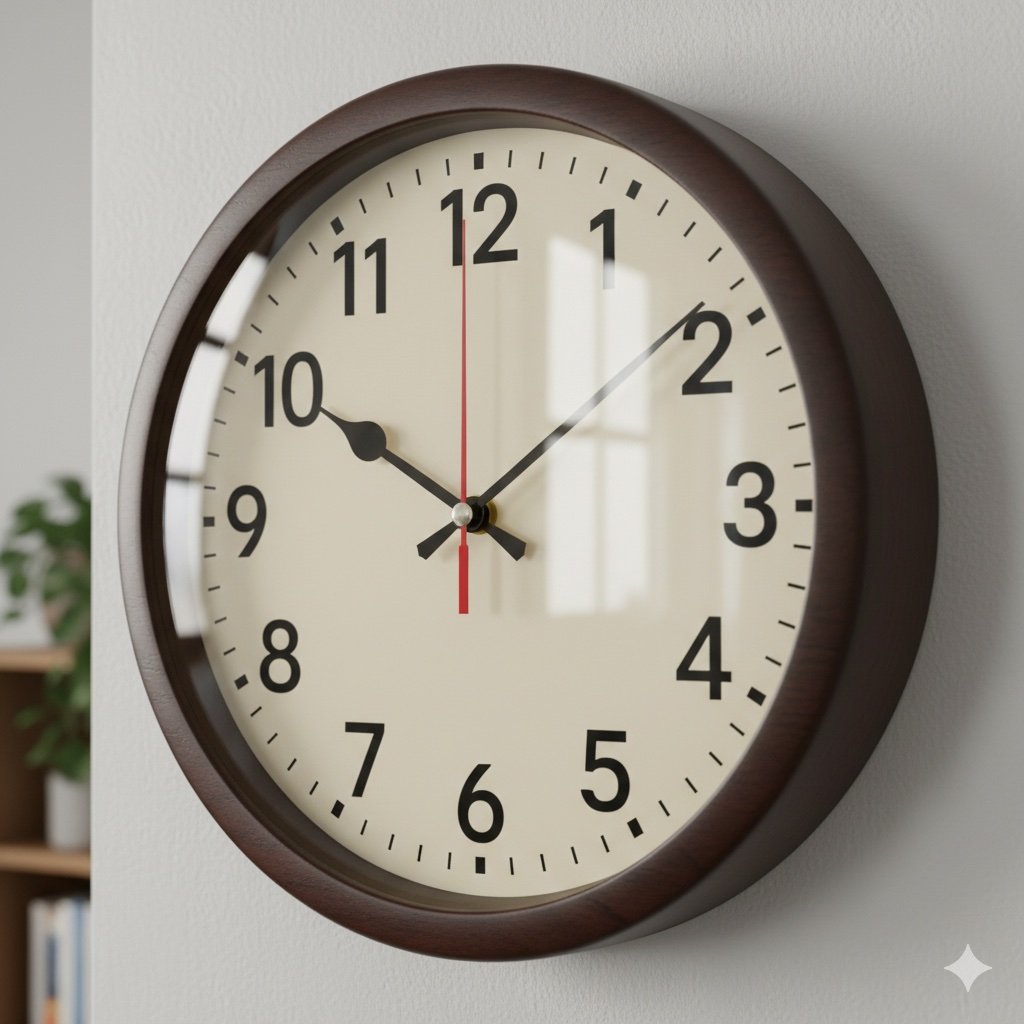
- Wait 5–10 Minutes: Do not skip this step. This allows the capacitors to fully discharge and the refrigerant pressures to stabilize.
- Restore Power: Flip the breaker or disconnect switch back to ON.
- Restart and Test: Use the remote to turn the unit back on. Set the temperature 2–3°F beyond current room temp and wait about 3–5 minutes for the compressor to engage.
When to Reset
- Error Codes: If the display shows a code (e.g., E1, P4), a reset can clear temporary communication faults.
- Unresponsive Remote: If changing the batteries doesn’t work.
- After Power Surges: Brownouts or storms can cause the control boards to enter a protective “lockout” mode.
Important: If the system trips the breaker again immediately after a reset, do not try a second time. This indicates a serious electrical fault or a failing compressor that requires a professional technician.